Fuel Smarter Learning with Microsoft Solutions Built for Education
Welcome to the future of education—where innovation meets accessibility. Microsoft Education offers a suite of powerful tools and resources designed to help educators, students, and institutions thrive in a digital-first world.
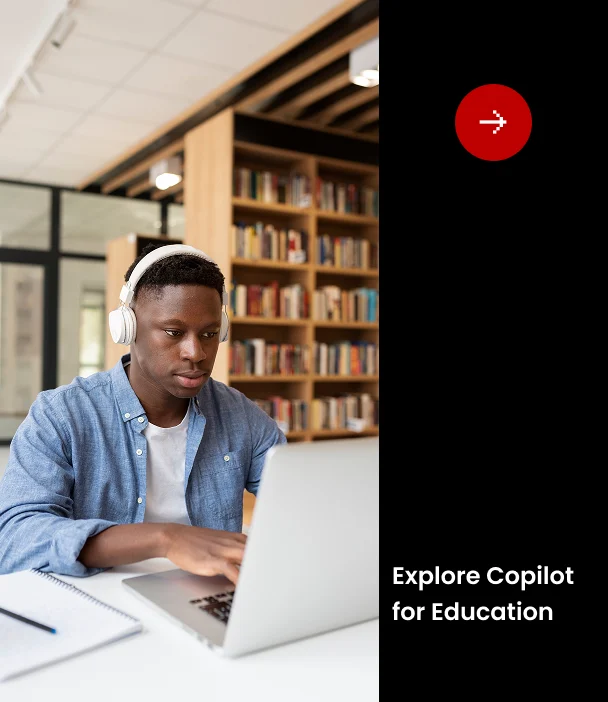
Microsoft Copilot is now available to education staff, faculty, and higher education students aged 18 and older—at no additional cost. This AI-powered assistant helps streamline tasks, personalise instruction, and enhance student engagement.
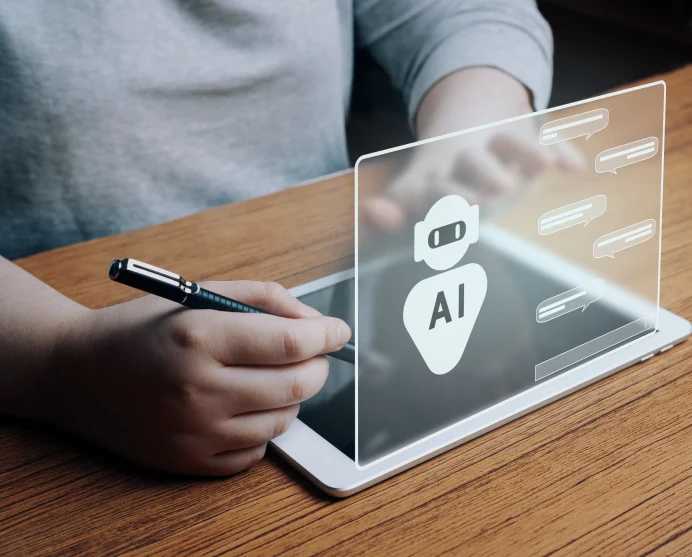
Copilot Chat: Use generative AI safely with enterprise-grade data protection.
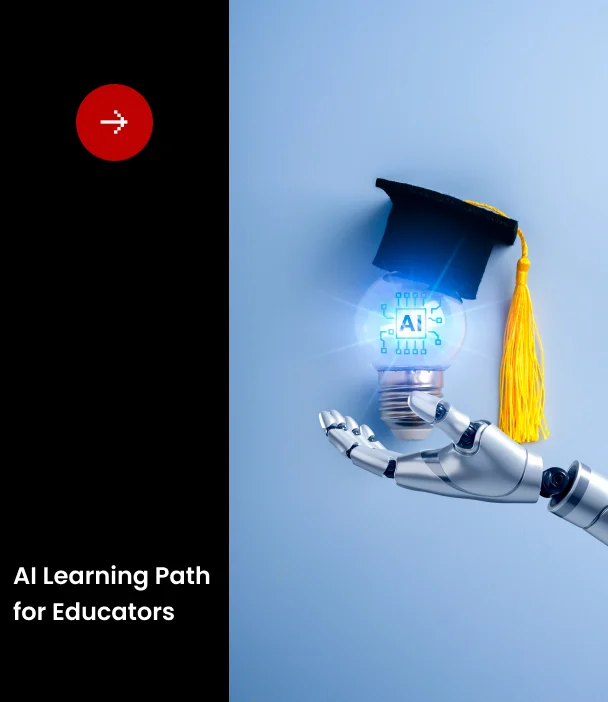
Learning Modules: Explore how Copilot can support lesson planning, grading, and student feedback.
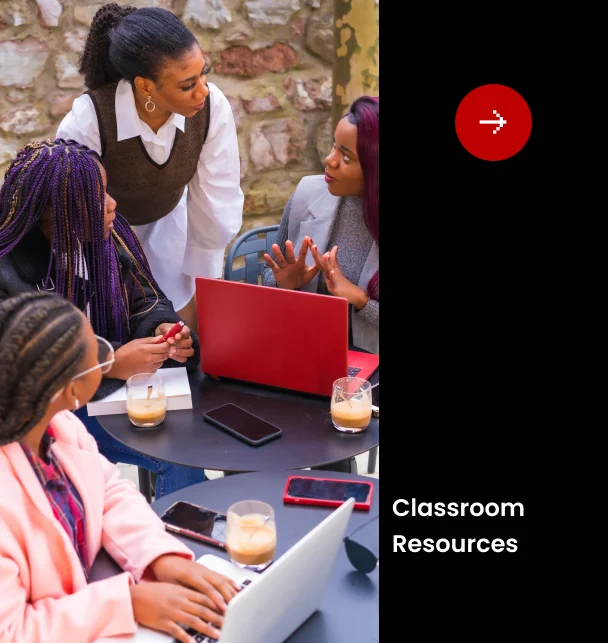
Classroom Toolkit: Equip students with digital hygiene, data privacy awareness, and mental wellbeing strategies.
Microsoft Copilot is now available to education staff, faculty, and higher education students aged 18 and older—at no additional cost. This AI-powered assistant helps streamline tasks, personalise instruction, and enhance student engagement.
Copilot Chat: Use generative AI safely with enterprise-grade data protection.
Learning Modules: Explore how Copilot can support lesson planning, grading, and student feedback.
Classroom Toolkit: Equip students with digital hygiene, data privacy awareness, and mental wellbeing strategies.
Designed to prepare students for the future of work.
Search
Menu
We use cookies to ensure that we give you the best experience on our website. If you continue to use this site we will assume that you are happy with it.