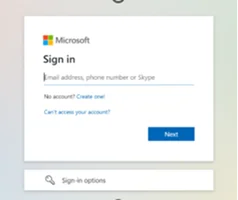
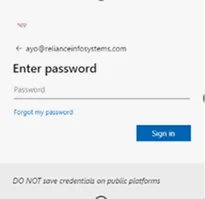
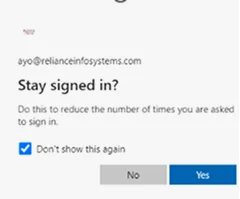
Note:“Because you are working through your browser to access SharePoint, you may on occasion need to complete the Office 365 login screen again once you want to access the application. To overcome this, click yes in the pop-up screen that says, ‘Stay signed in.”
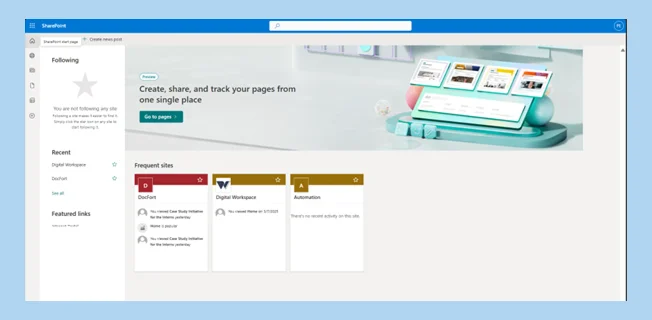
Once done with this process, you will be on the SharePoint landing page as shown below.
Once on the SharePoint Landing page, there are two ways to gain access to the DocFort solution.
By clicking on the “My Sites” icon on the left sidebar.
Select “DocFort” currently under the Frequent Sites section on the landing page.
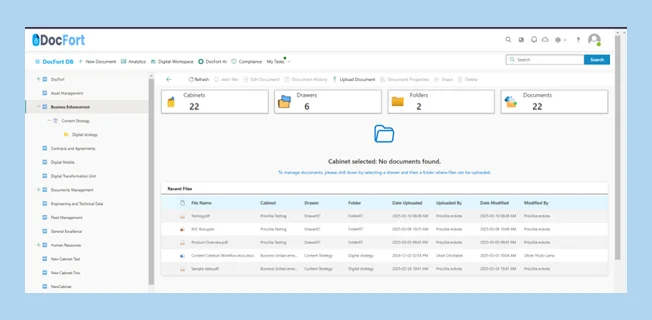
Note:After following the prompt above, you will be on the DocFort Landing Page. See the image above for reference.
Search
Menu
We use cookies to ensure that we give you the best experience on our website. If you continue to use this site we will assume that you are happy with it.